Create an API key
Use the iC Candle corporate portal to issue API keys for your widgets.
Prerequisites
- Corporate portal access is required to create API keys. Contact iC Candle to set up your organization’s account.
- Sign in at the iC Candle corporate portal.
Steps
After you can sign in:
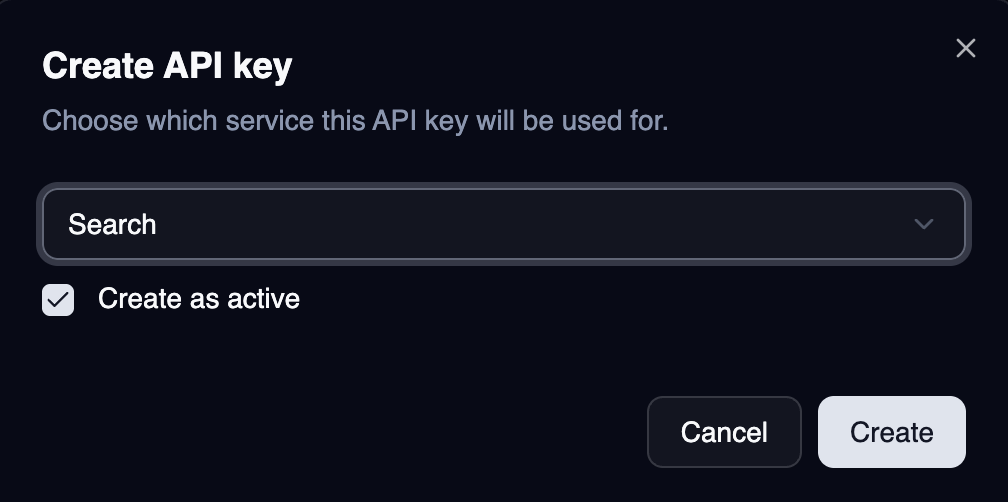
- Open Create API key.
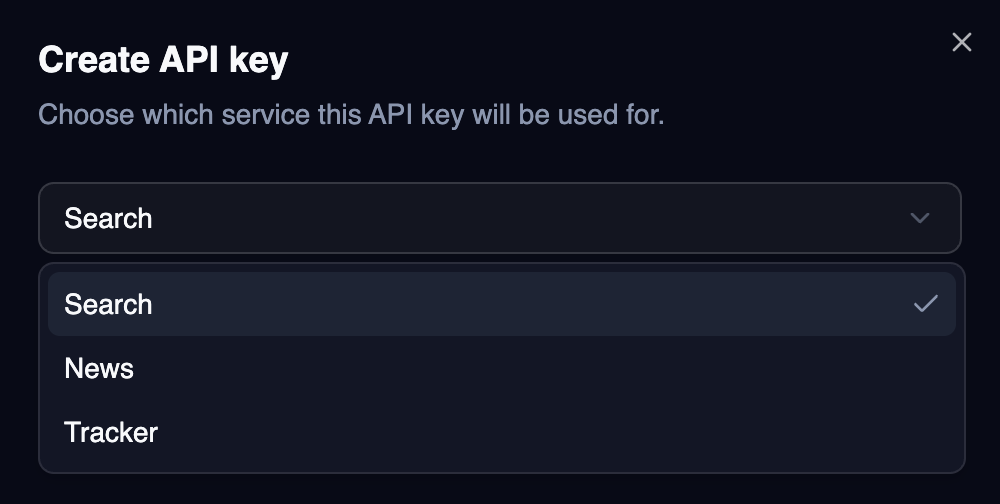
- Choose a service type:
- Search — Pattern Selector
- News — News Impact
- Tracker — Pattern Tracker
- Select Create, then copy the key.
- Pass the key to your widget as
widgetKey.
Service types
| Service | Widget | Key prefix (example) |
|---|---|---|
| Search | Pattern Selector | icc_search_ |
| News | News Impact | icc_news_ |
| Tracker | Pattern Tracker | icc_tracker_ |
Keep keys secret—treat them like passwords and rotate them if exposed.